A letter from Houseyear
For homeowners whose maintenance checklist still lists a pool they don't own.
Tick what your house has and get a 12-month maintenance calendar with only those tasks, in the calendar app you already use.
A letter from Houseyear
Tick what your house has and get a 12-month maintenance calendar with only those tasks, in the calendar app you already use.
Hi, neighbor.
You've probably met the checklist.
Maybe it came from your bank the month you got the keys. Maybe it was tucked in the back of the inspection report, or you printed one off a blog the first time the furnace made a noise you didn't recognize.
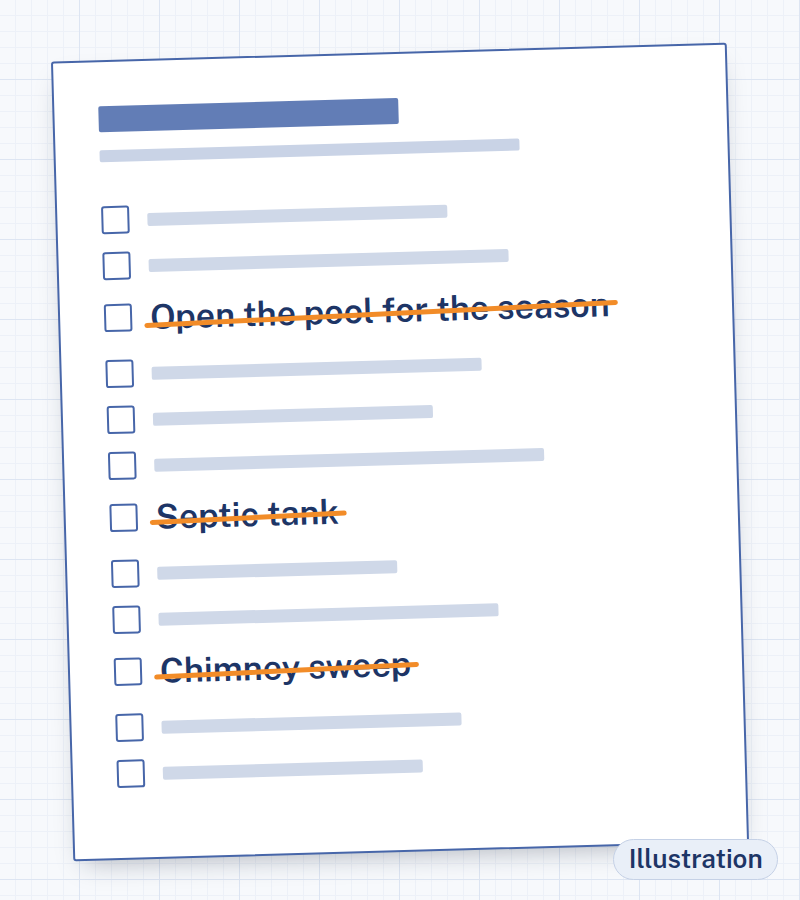
It's long, and it's thorough. And somewhere on page two, it asks you to open the pool for the season.
You don't have a pool.
So you start skimming. Septic tank? You're on city sewer. Irrigation system? You have a hose. Chimney sweep? There's no chimney. By the end, a good part of the list has nothing to do with your house, and the part that does has no dates on it. "Twice a year." "Every season." "Annually." Which month is that, exactly?
So the list goes on the fridge, and then into a drawer. And the furnace filter gets changed the day somebody notices the furnace sounding tired.
We don't think that says anything about you. It says something about the checklist.
A general list has to be written for every house in the country at the same time: the one with the pool, the one with the well, the one with the steep roof, the townhouse with no roof work at all. It can't know which half is yours, and it can't know what month it is where you live. That part has always been left to you, to carry around in your head from one season to the next.
That's the part we built Houseyear to take off your hands.
The idea is short enough for a sticky note: start from what your house has.
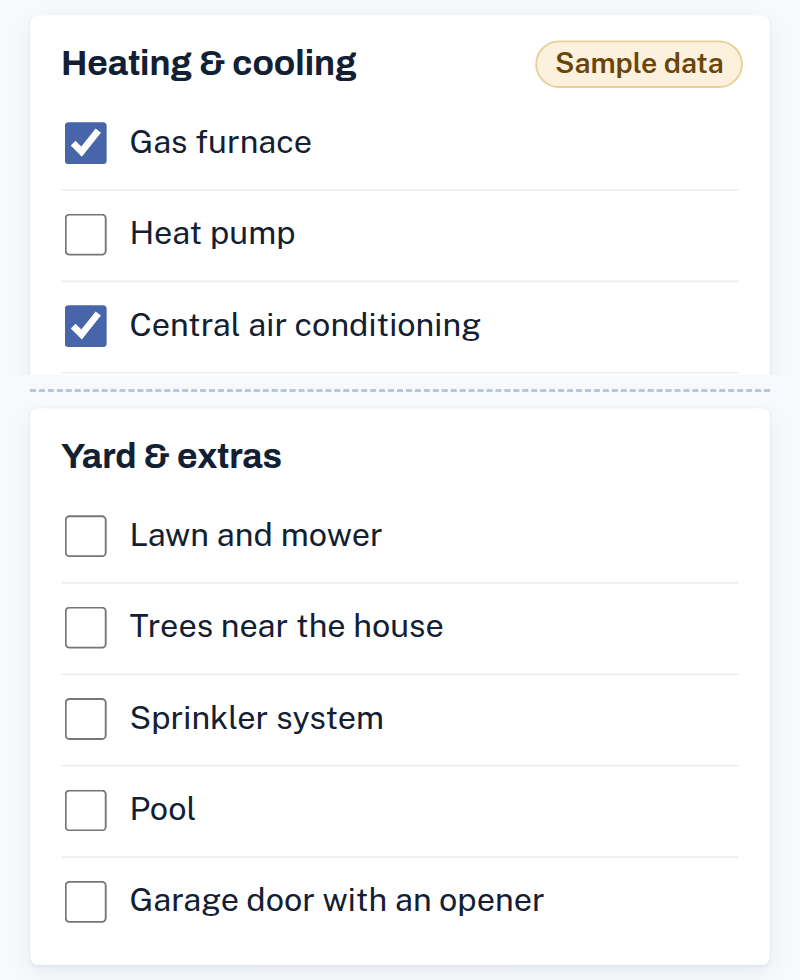
You open the Home Calendar and tick the features your house actually has, in six groups:
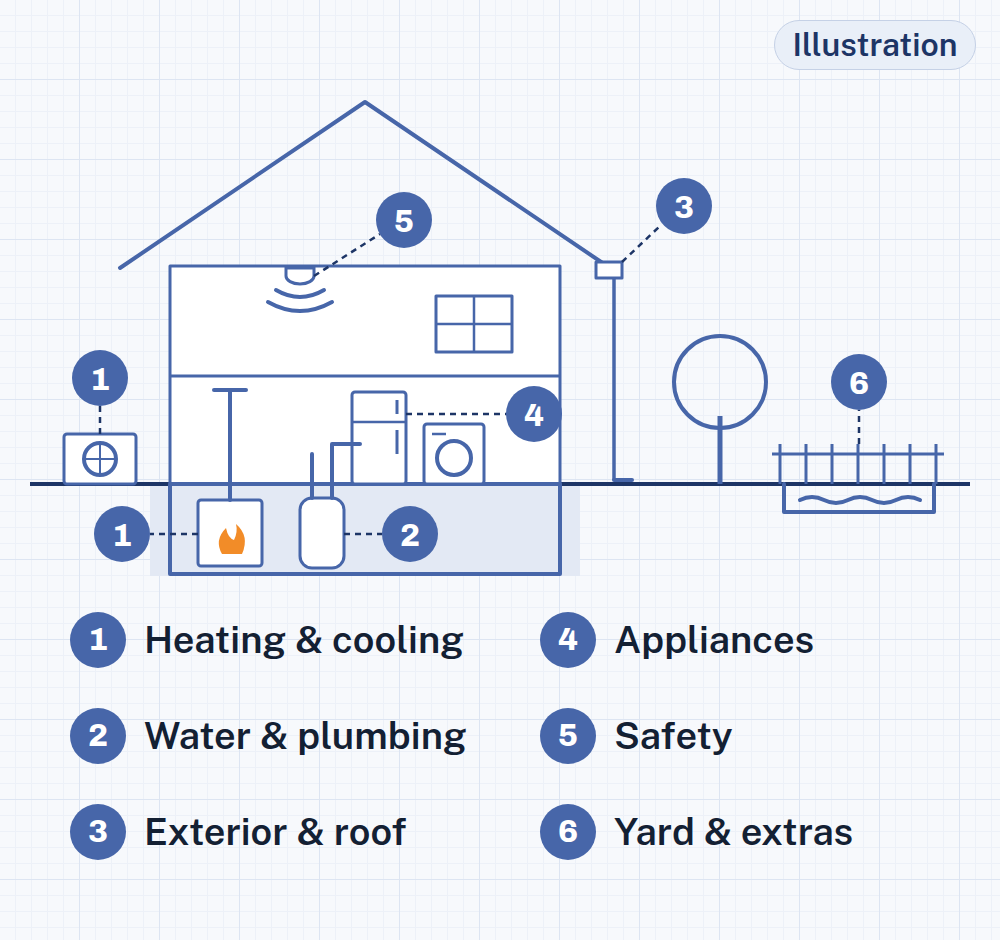
It comes to about 30 checkboxes, plus one question about your winters: does it freeze where you live, or not?
Then the filter does its job. Each of the 120 tasks in the Houseyear task list is tagged with the feature it belongs to, the climate it applies to and the season it's due. Tick "pool," and the pool tasks come in. Leave it blank, and no pool task ever shows up.
The tasks that stay get spread across the next 12 months, starting with this one. Each task lands in its season, and the calendar spaces them out so no single month ends up with all of them.
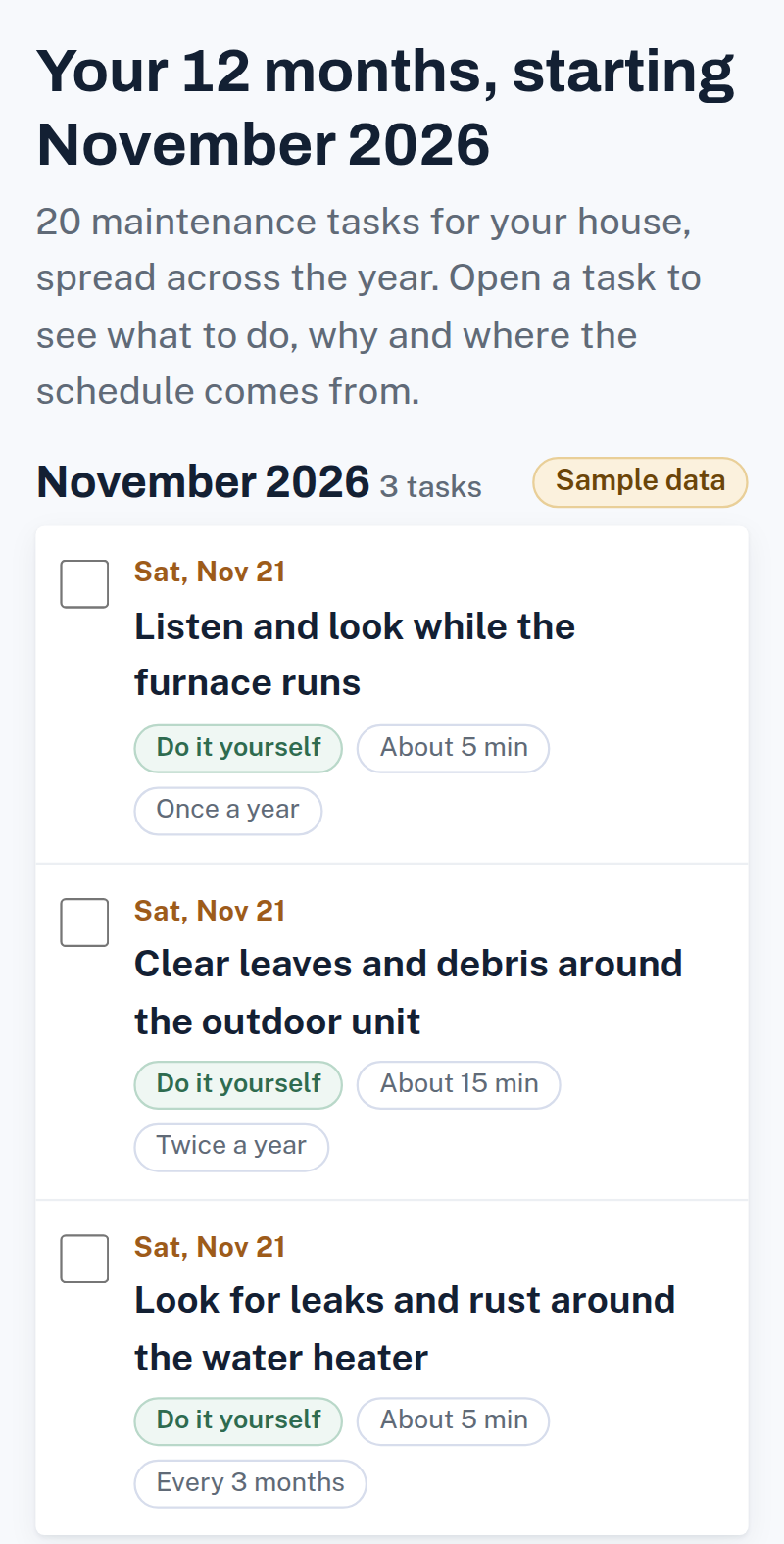
Here's the filter, run twice. We made up two houses for this page. They're samples, not anybody's real home.
Sample house 1 has a gas furnace and central air, gutters, a wood deck and a tank water heater. Its winters freeze.
Sample house 2 has a heat pump, a pool, a septic system and a tank water heater, and no gutters. Its winters stay mild.
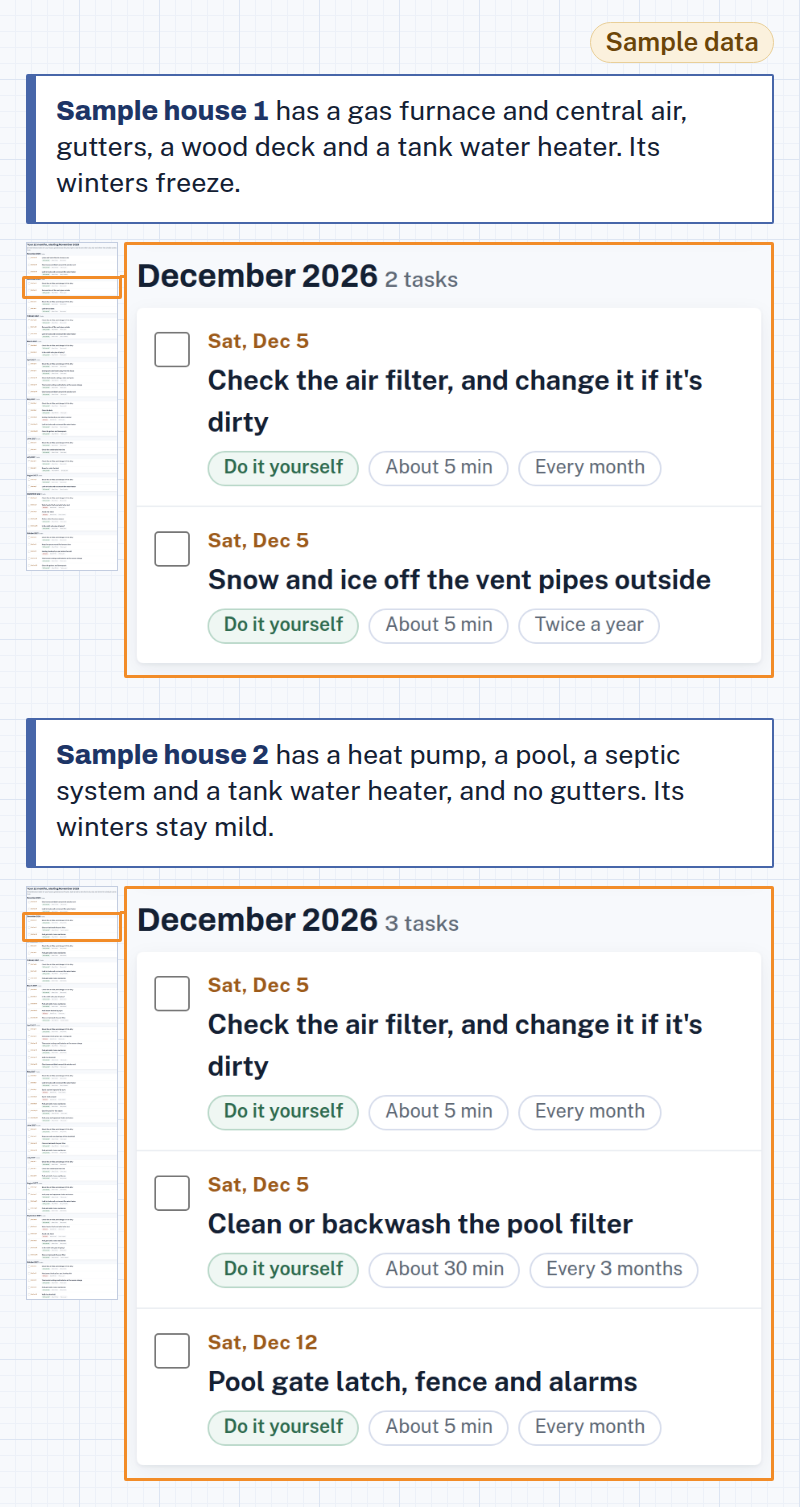
Sample house 1's calendar has tasks for its furnace and air conditioning, its gutters, its deck and its water heater, plus the cold-weather tasks. Sample house 2's calendar has tasks for its heat pump, its pool, its septic system and its water heater, and none of the freeze tasks.
Neither one has a single task for something that house doesn't have. Yours will be a third version, built from your own checkboxes.
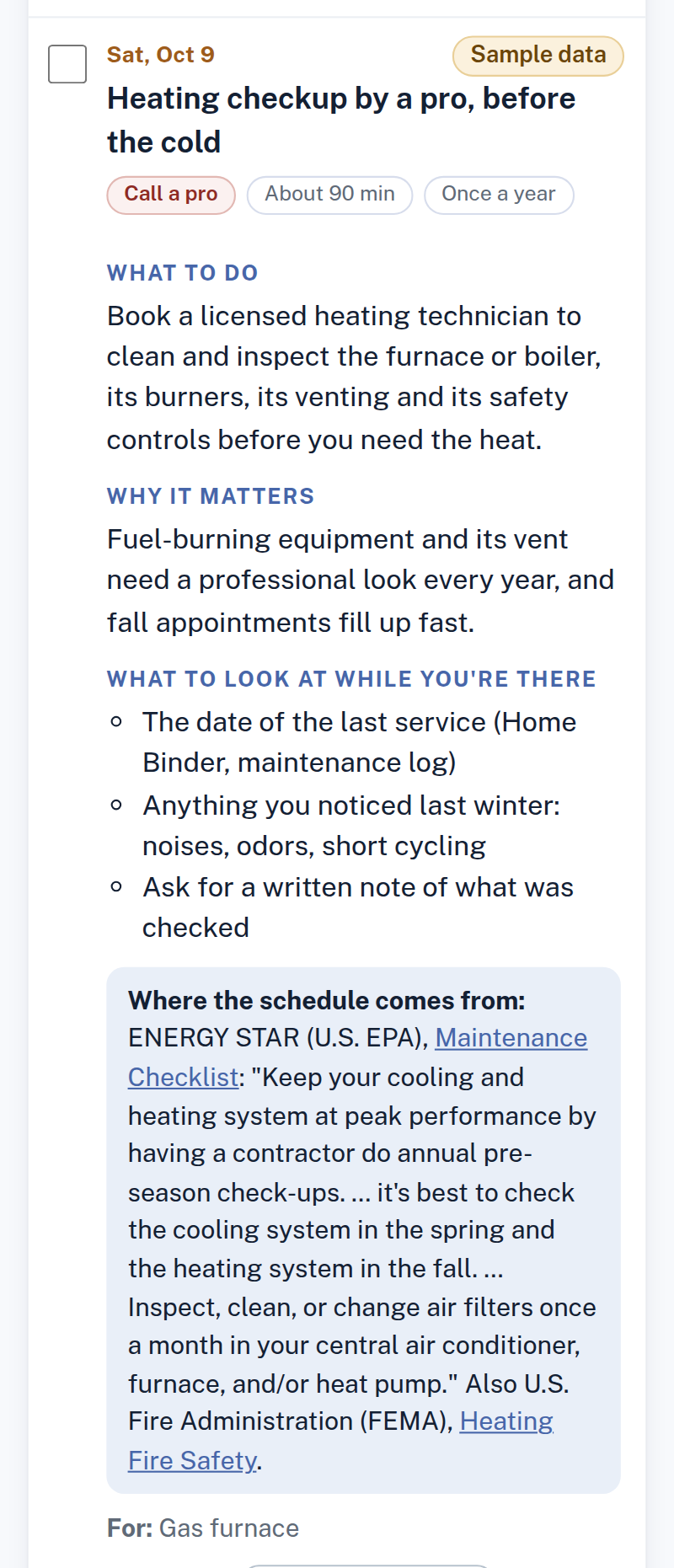
Every task on your calendar comes with the same few things:
If your house has something the list doesn't cover, you can add a task of your own, with its own schedule.
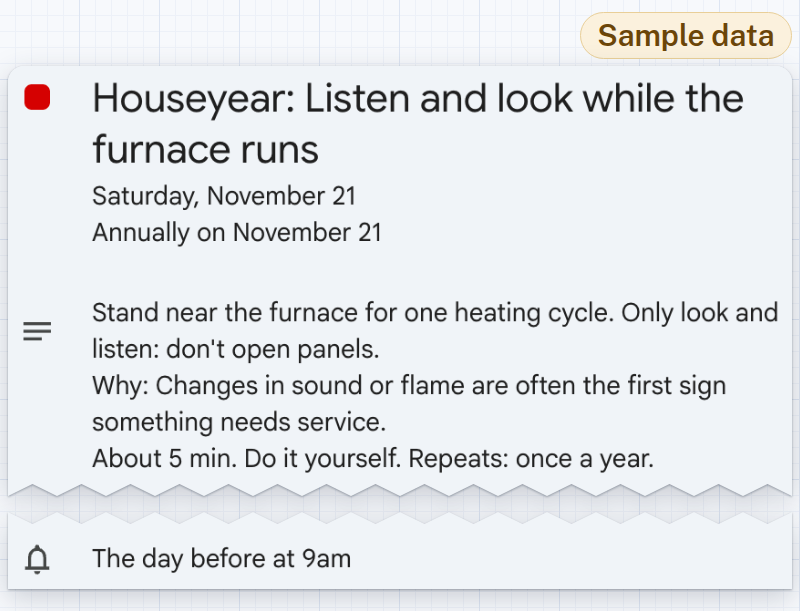
A list you have to go and open is still a list. So when your calendar is built, you send it to the calendar you already look at every day.
It's one file, in the standard .ics format that calendar apps import. Each task shows up on its date and repeats on its own schedule. The file carries a reminder for every task; some calendar apps use their own default reminder instead. There's no new app to open.
Prefer paper? The same calendar also comes as a PDF, with 12 monthly pages plus the full list, for the fridge. And as a CSV, if you like a spreadsheet.
The calendar tells you what to do and when. The other half of owning a house is keeping track of what's in it.
What size is the furnace filter? When does the water heater warranty run out? What was the name of the plumber who came in March? Where exactly is the water shutoff?
The Home Binder keeps those answers in one place: 48 pages you can print or fill in on your screen.
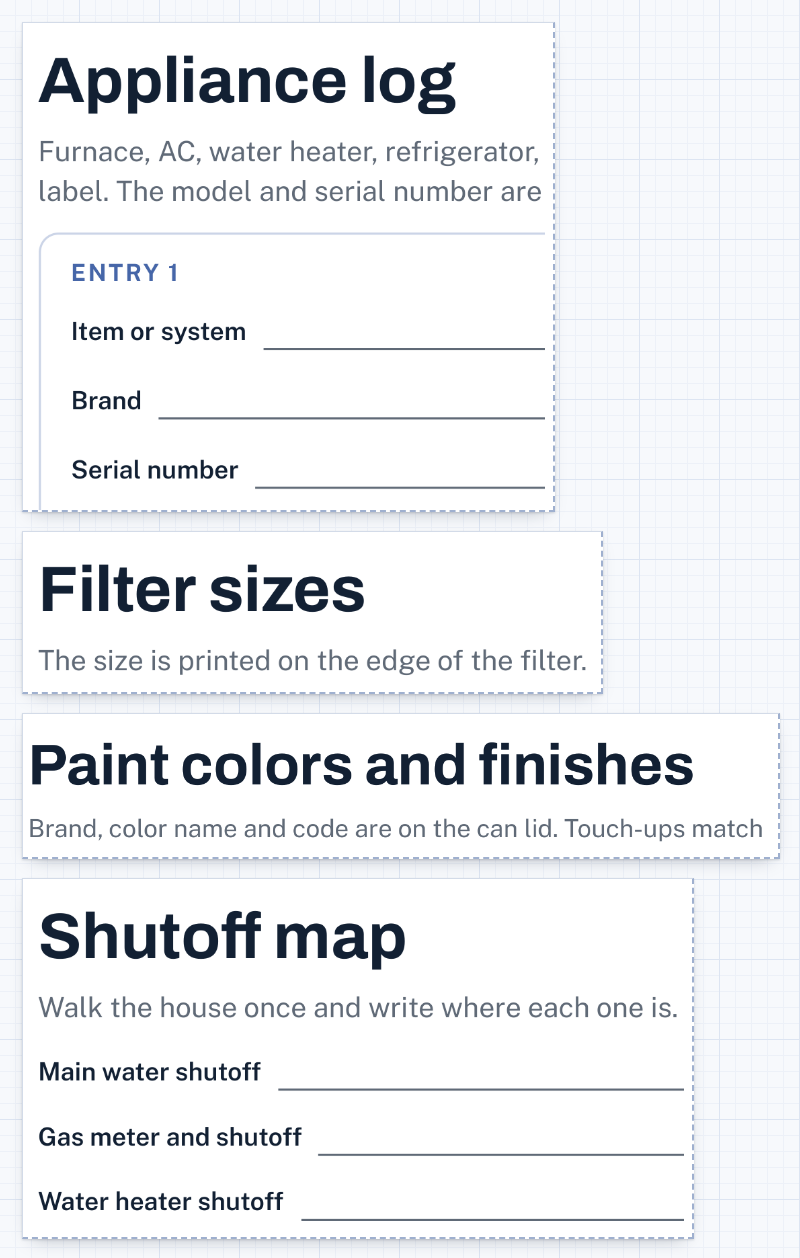
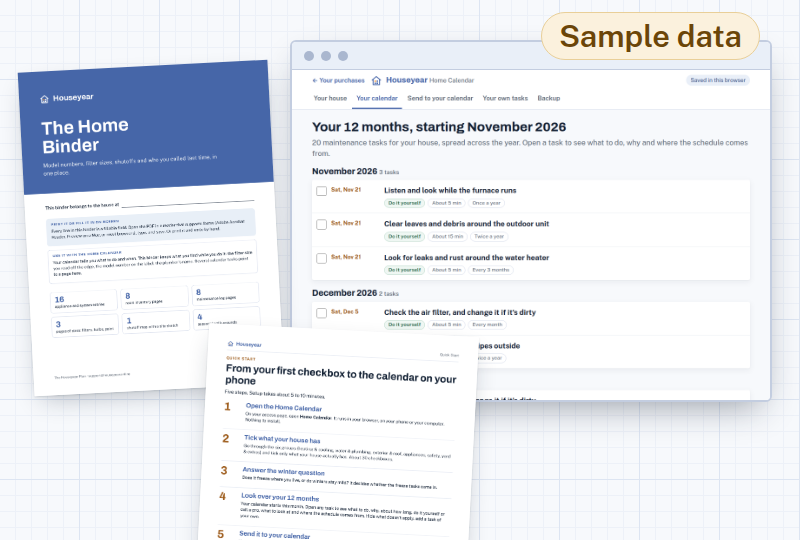
The Home Calendar. It opens in your browser, from your access page.
The Home Binder. 48 pages, to print or fill in on screen.
The Quick Start. One page, five steps, from your first checkbox to the calendar on your phone.
Email support for 12 months. Write to support@houseyear.online. We answer within 2 business days.
Access doesn't expire.
We'd rather tell you now than after you buy.
A free checklist costs nothing and covers what a typical house has. If you're happy crossing out what doesn't apply and writing in your own dates, it can be enough.
A home maintenance app can send reminders and keep records. Some charge by the year, and it's one more app to open.
A binder you print yourself keeps your records on paper. It doesn't tell you what to do or when.
A home warranty or service plan is for when something breaks. That's a different job, and it can sit alongside this one.
Houseyear is the calendar built from your house's features, on the calendar you already use, with the Home Binder alongside it. $37, one time.
One-time payment. No subscription.
Access doesn't expire.
Tick what your house has; your 12-month calendar is built from there.
$37 · one-time payment
30-day money-back guarantee: email support@houseyear.online within 30 days of your purchase and you'll get a full refund of that purchase.
Your access link arrives by email right after your payment is approved.
Your calendar starts with the month you build it, so the first tasks on it are the ones that belong to the season you're in. If you're reading this as the weather turns cold and the house starts making its winter noises, those are the cold-weather ones.
Nothing about the offer changes if you wait. The price is the same next month and the month after. What changes is which month your calendar starts with.
Tick what your house has, send the calendar to your phone, and let it tell you when it's time.
Houseyear
support@houseyear.online
Walk through your calendar and binder the way you'd walk through a house before closing. If it's not right for yours, email us within 30 days. You don't have to explain why.
30-day money-back guarantee: email support@houseyear.online within 30 days of your purchase and you'll get a full refund of that purchase.
P.P.S. The Quick Start is one page. Start there, tick what your house has and send the calendar to your phone. The binder can wait for a rainy Saturday.
No. The Home Calendar opens in your browser, and the Home Binder, the Quick Start and your calendar exports are files you download. You can print them at home.
The calendar comes as an .ics file, the standard format that calendar apps import. We don't promise any particular app. If you'd rather not use an app at all, print the PDF calendar.
If the upkeep of the place is on you, yes. If a landlord or an association handles it, you probably don't need it.
Add it as your own task, with the schedule you want. It goes on the calendar with the rest.
No. Each task says what to do and whether it's a do-it-yourself job or one to call a pro for. Electrical, gas and structural work is marked "call a pro," with no instructions for doing it yourself.
The features you tick and the tasks you add stay in your browser, on your device. Your calendar file and your PDFs are yours after you download them.
Access doesn't expire. If we ever stop running the Home Calendar, we'll email you 60 days ahead and let you download everything you bought, along with your data.
No. You pay $37 once, and your calendar doesn't come with a yearly bill.
As soon as your payment is approved, we email you the access link. If you lose track of it, go to https://www.houseyear.online/access/, type the email you used at checkout, and we'll send you a fresh sign-in link.
With us, Houseyear, for anything about the plan: support@houseyear.online. Your order and your payment go through Auryon369 (Fracktal Technologies LLC), our merchant of record, and a refund is issued by Auryon369 or by us.
30-day money-back guarantee: email support@houseyear.online within 30 days of your purchase and you'll get a full refund of that purchase.
$37 · one-time payment